Tutorial
This tutorial will focus on the mechanics of the tool, assuming you already understand the IDesign Method. Completly abstract terms with no link to a real project will be used
Navigating MethodSketch
Open MethodSketch
Open https://pad.methodsketch.app
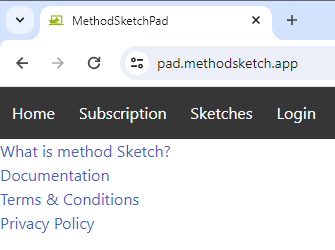
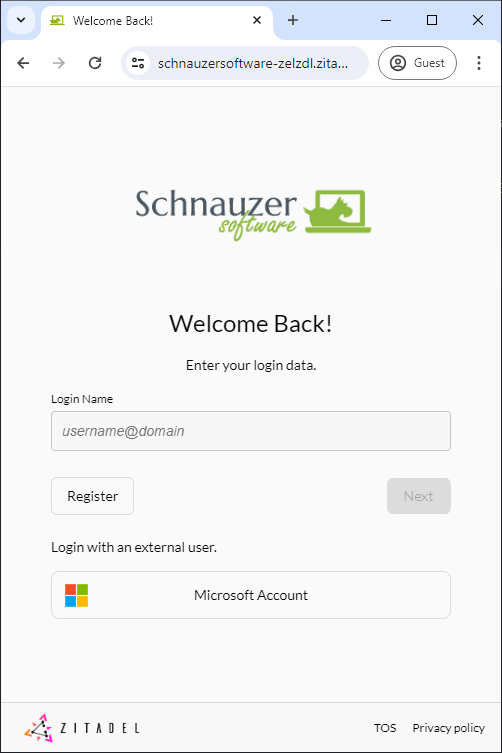
Subscription and Sketches menu Items require login. If you have not yet setup an account click "register"
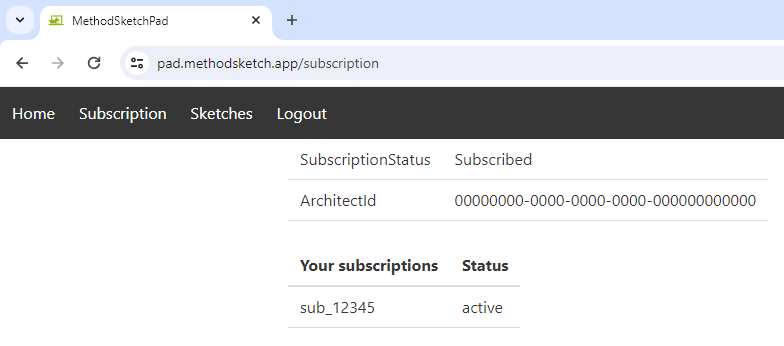
An active subscription is required to access the sketch pad if you do not have one press subscribe
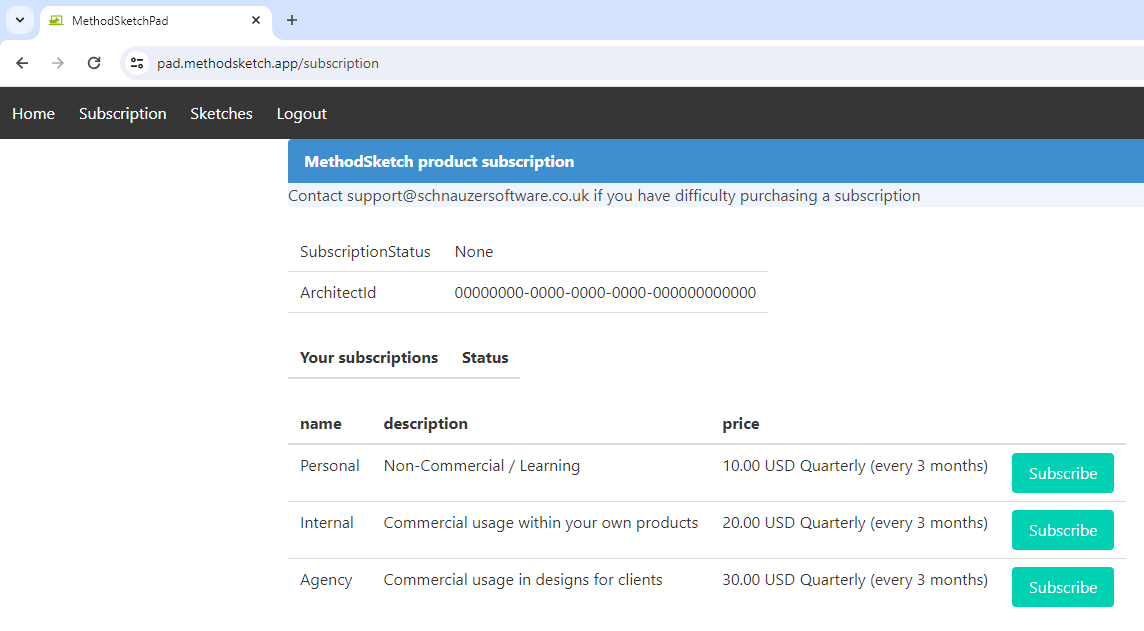
With an active subscription the subscription status will be active
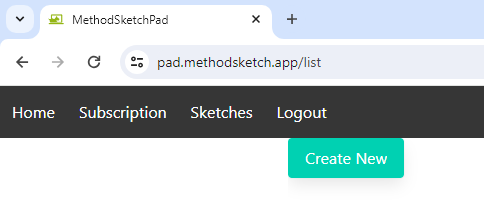
Create New
With an active subscription select "Sketches" from the menu and then click the button labeled "Create New"
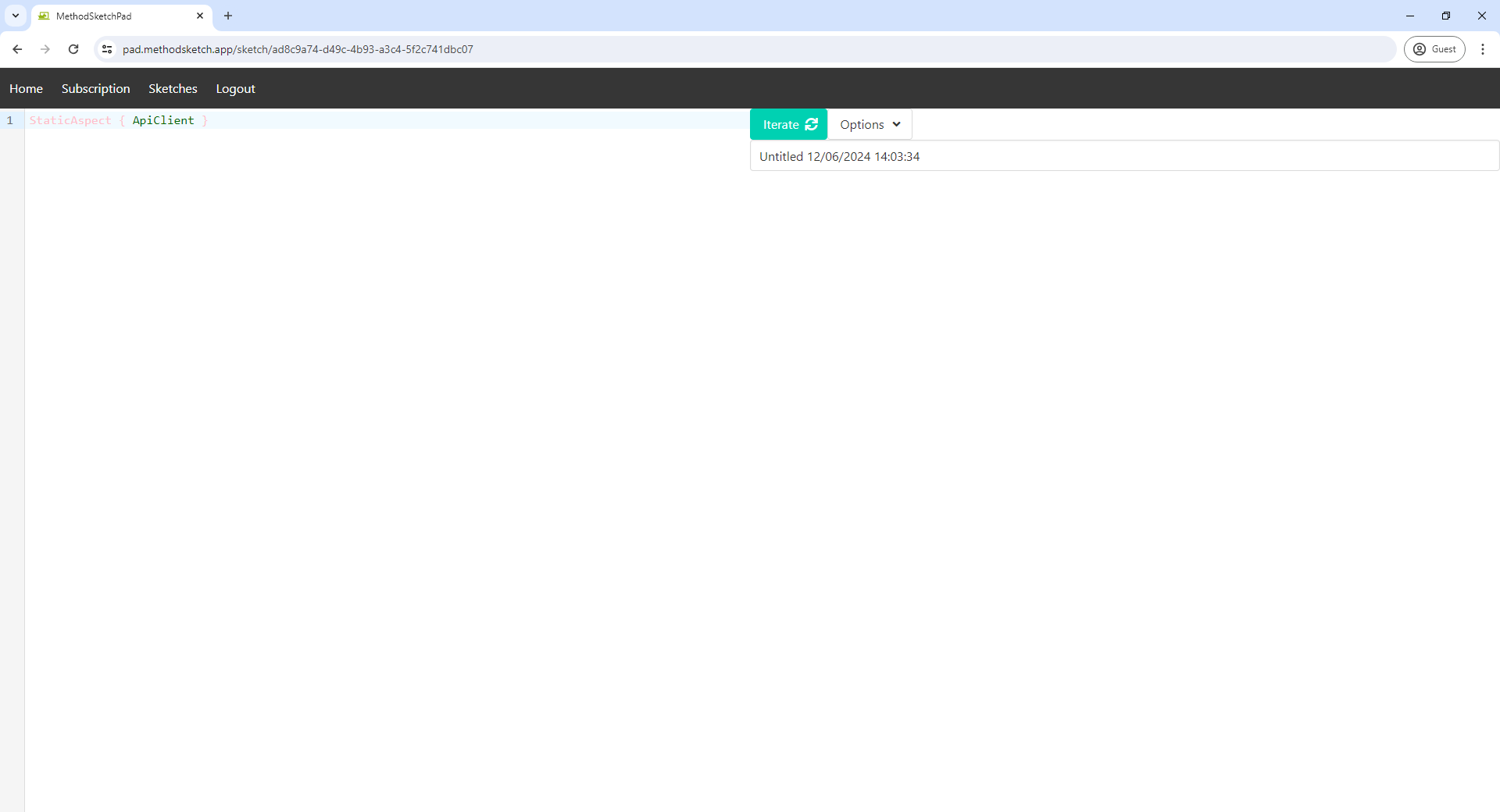
The button will become a spinner before opening your sketch
Names
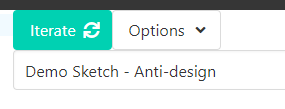
In the right hand half of the window under the Iterate and Options button you can rename the sketch
Iterate
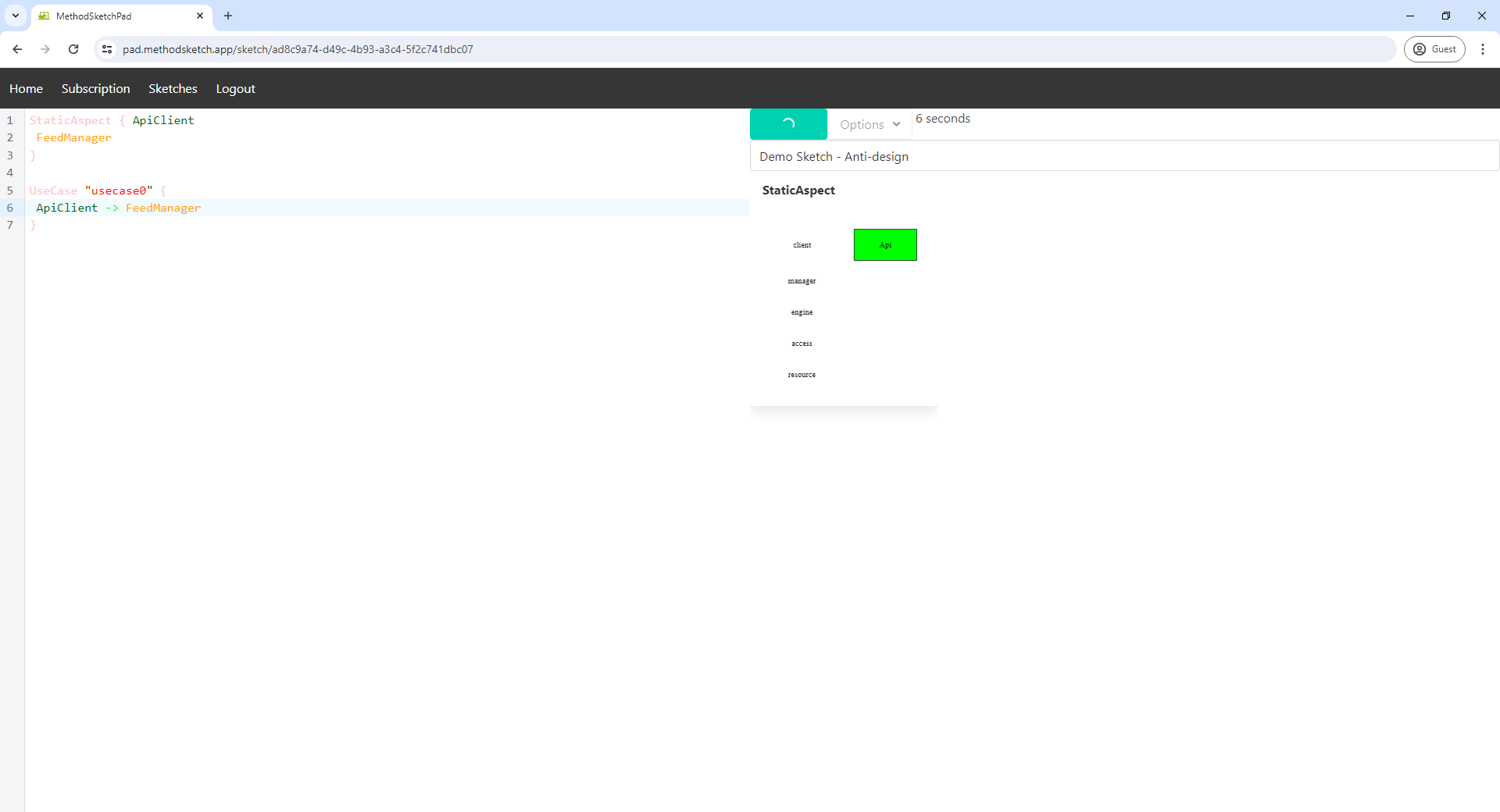
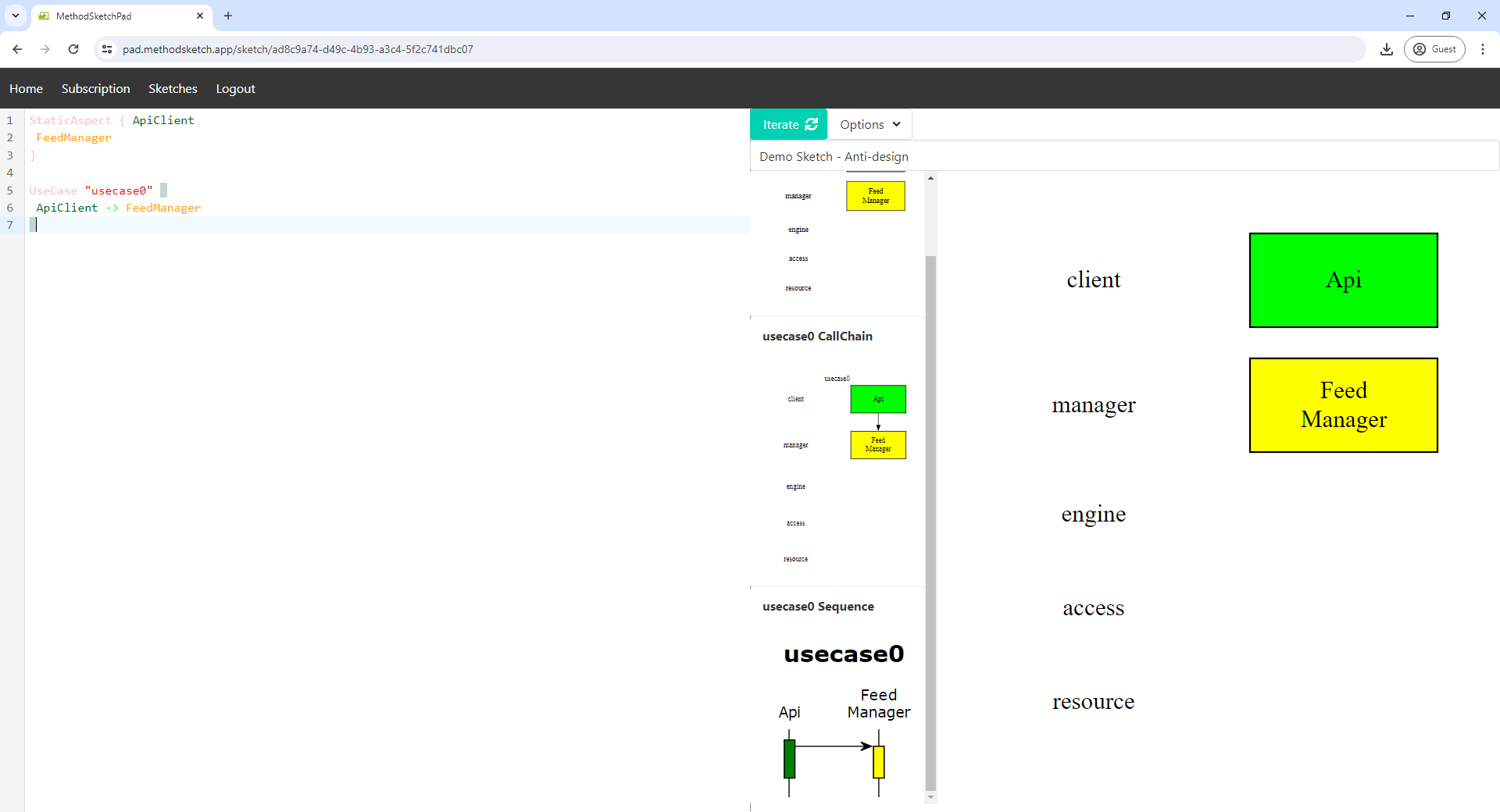
Click the button labeled "Iterate" to create diagrams from the design input in the text editor window
Generate
TIP
You may want to skip this section until you have created your System Design. It is included here as the last part of "navigating" the MethodSketch tool.
To create a script to generate a Visual Studio solution for your design select "Options" then "Generate".
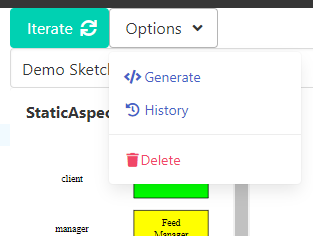
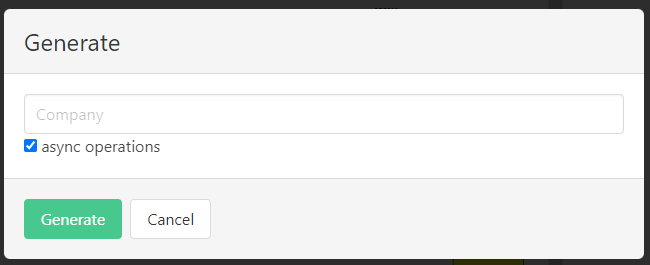
The text input into the text box will become the solution file name and the root of the namespace for the generated solution.
A new window will open (you may need to allow the site to open pop-ups) containing a powershell script to generate the solution structure on your local machine.
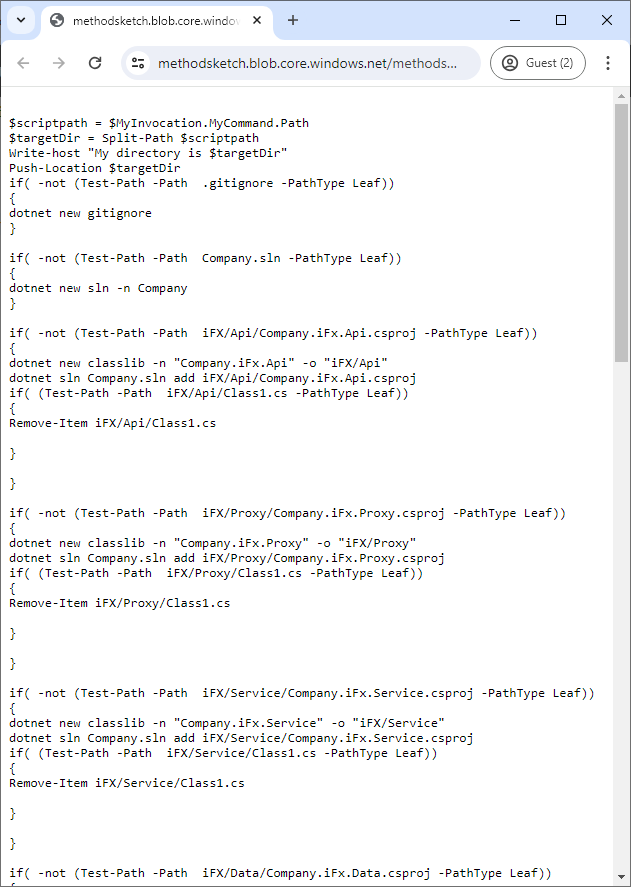
Save the script to your local machine with a name such as "Generate.ps". Place the script into the folder where you wish to create the project. Make sure you have the dot net SDK installed then run the powershell command
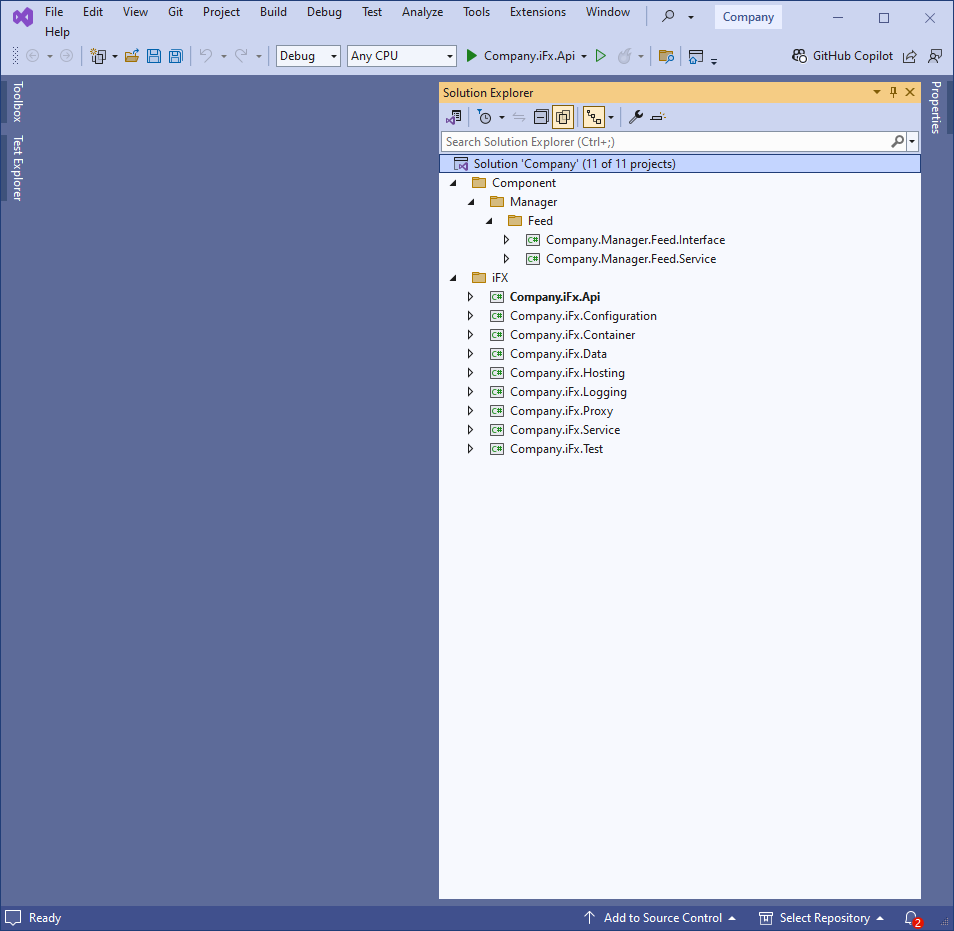
powershell.exe -executionpolicy bypass .\Generate.ps1You can then open the solution file in Visual Studio to view the generated project structure
System Design
Anti-Design
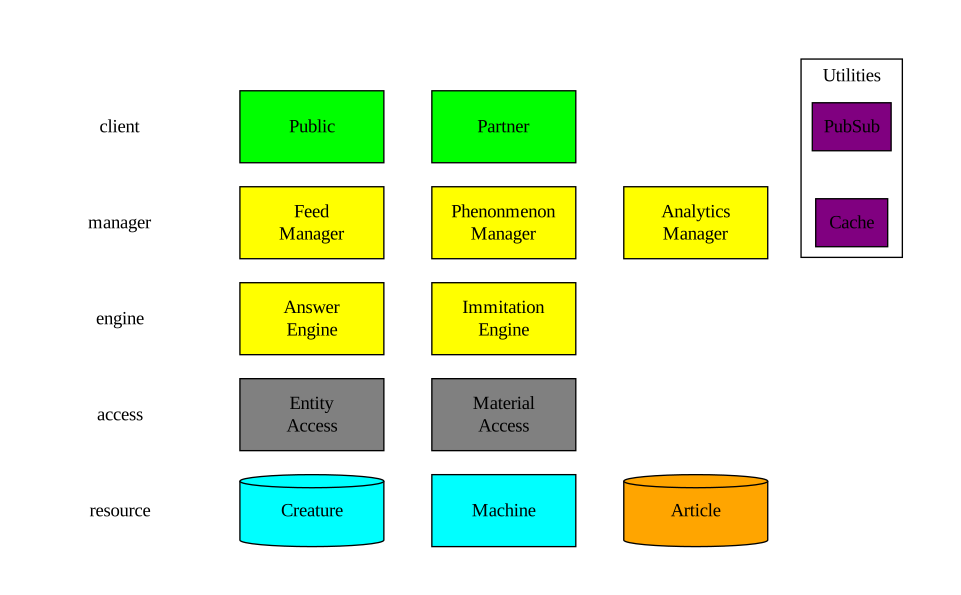
Static Aspect
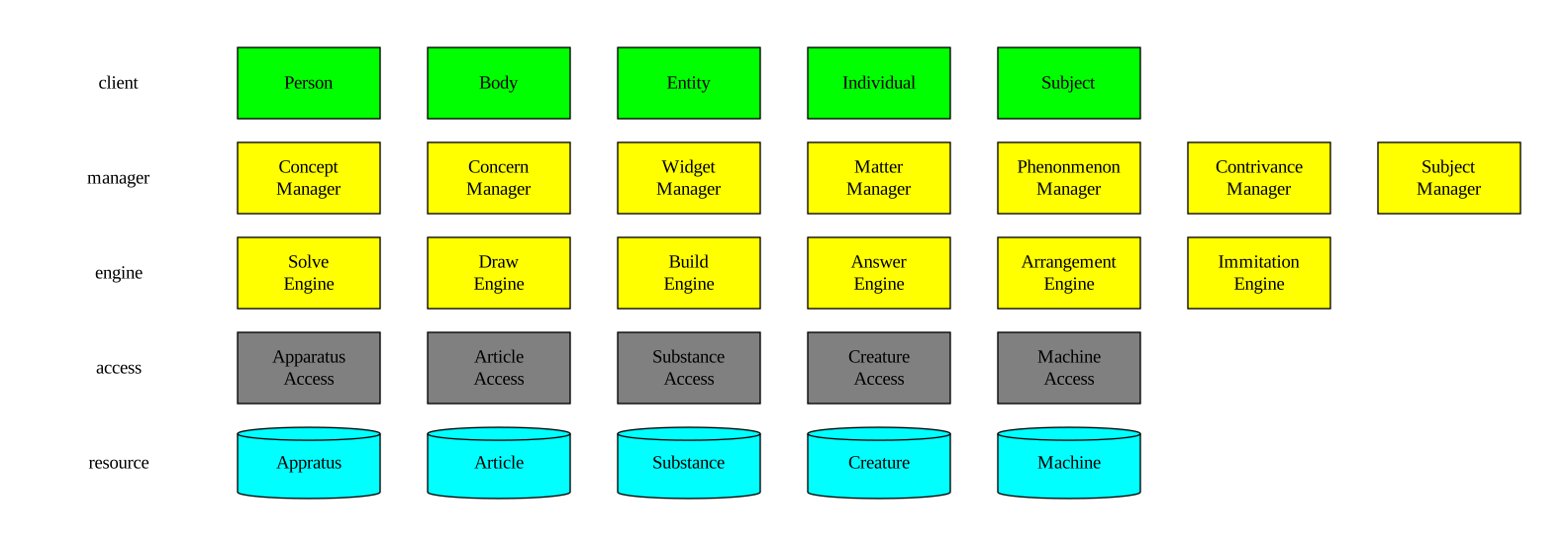
Eliminate the blank canvas and carry out the anti design by dumping everything in your mind into a static aspect
First Iteration
Static Aspect
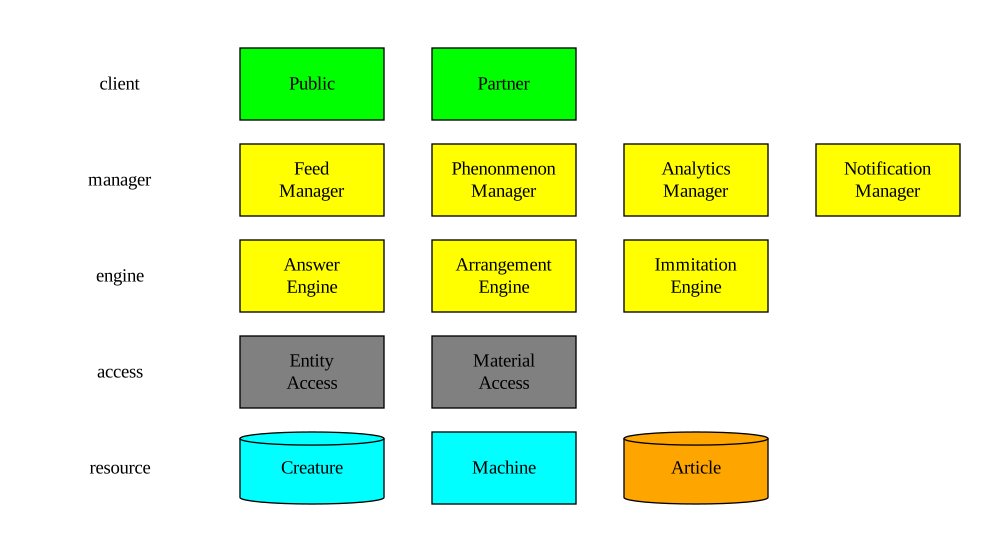
Based upon the volatitlies create your first Iteration
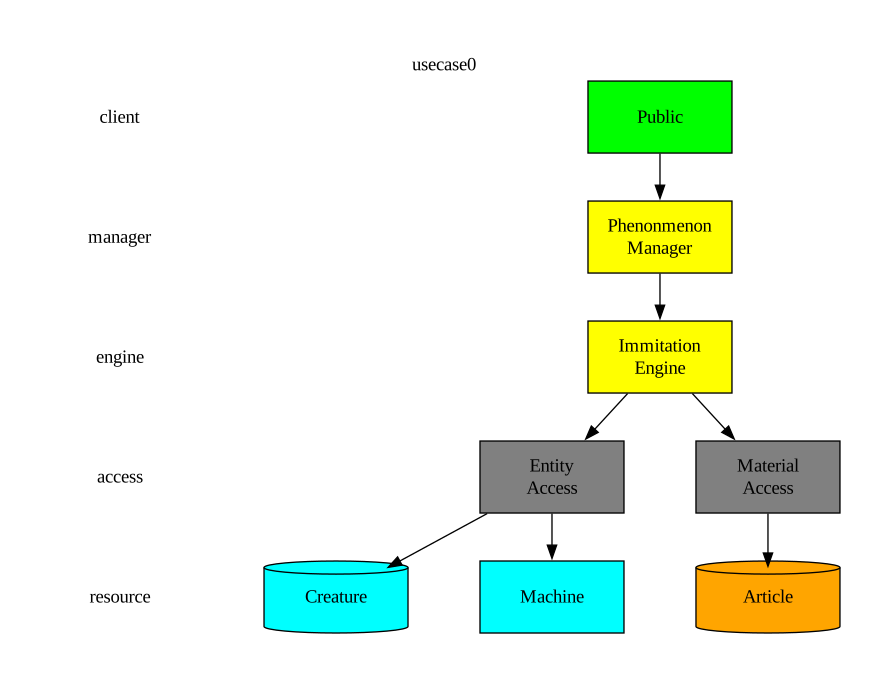
Call Chains
Create multiple call chains to validate the architecture

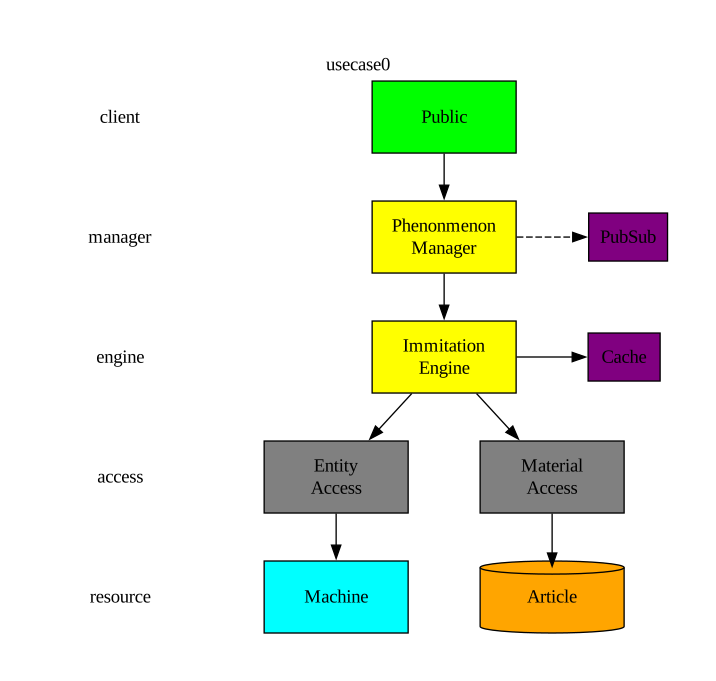
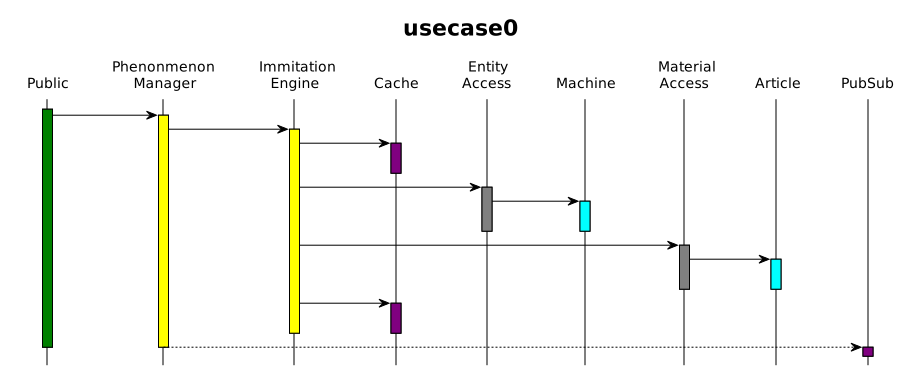
Iterate over architecture and call chains
Carry out multiple iterations eliminating smells and making it your best solution within the timebox
Detailed Design
Operation Names


Repeating the process for the access layer is left as an exercise for the reader
DTO Names
Working through the layers again we can add DTOs to the detailed design

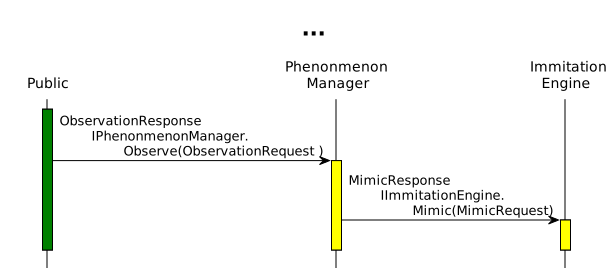
Supporting Polymorphism
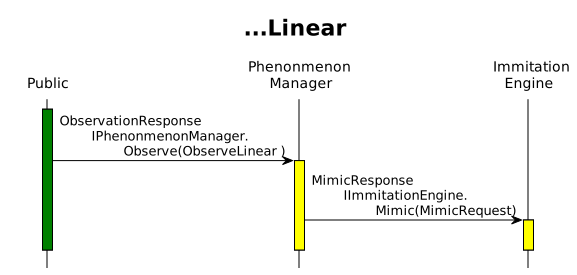
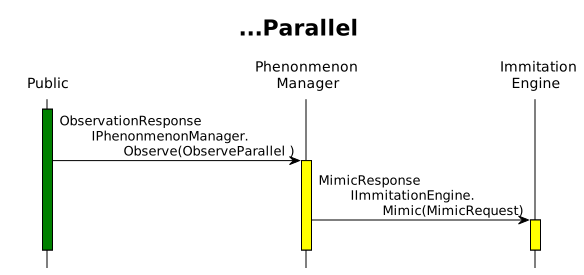
Contexts
Extend using contexts for DTOS for calls to the manager
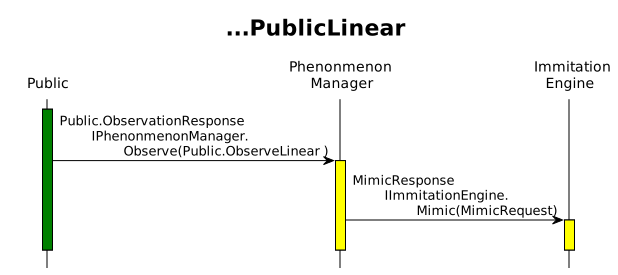
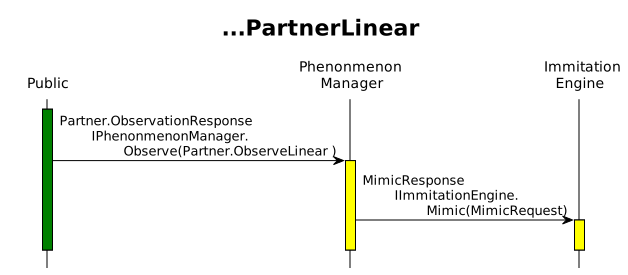
Extend using contexts for Interfaces
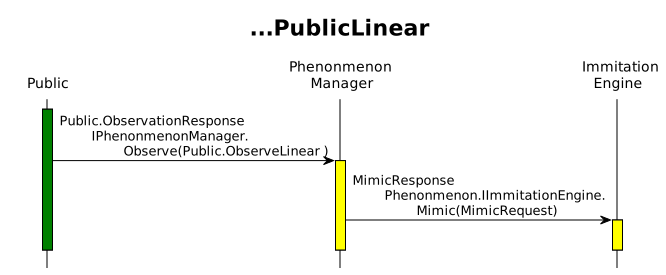
Wrapper
Consider using a generic wrapper for Engine responses
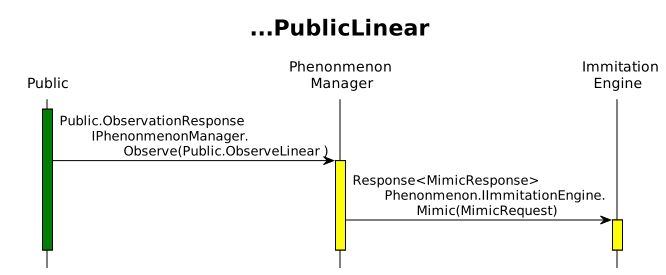
Generate
Select Generate from the options menu and run the script on your local machine.
Generate Solution, Projects and DTOs
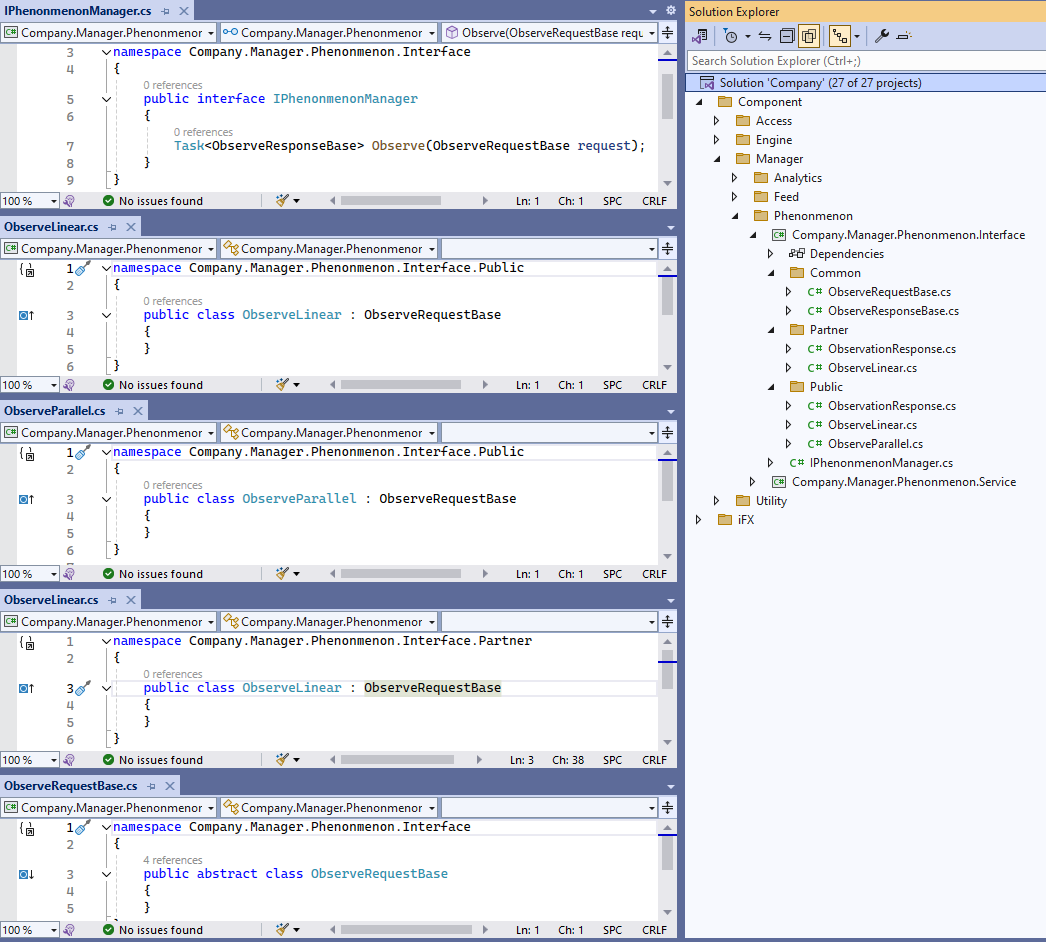
Visual studio solution structure
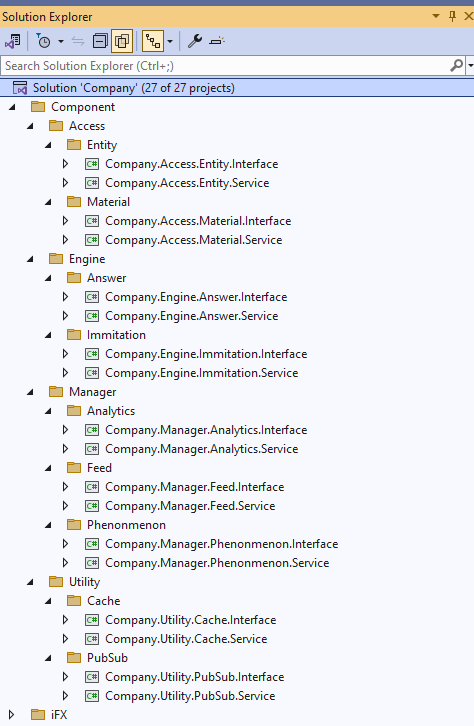
Polymorphic contextual DTOs